Honey, I Shrunk The Vids is an overengineered oversimplified system-agnostic frontend for FFMPEG.
This is a followup to a post I made yesterday, about a silly little Windows application I'd made for batch transcoding files. I wanted something that I could just dump my files onto without having to muck about with Handbrake or Tdarr - post here, for those curious: https://piefed.ca/c/selfhosted/p/568748/honey-i-shrunk-the-vids-a-windows-transcoding-frontend-for-ffmpeg
So I spent today making my silly little Windows application a silly little platform-agnostic application. I rewrote the whole thing in Rust and JavaScript with a webview frontend, and apparently Github lets you compile binaries for quite the range of target platforms, so I have compiled binaries available for Windows, Linux, and Mac (Intel/Apple Silicon). It's got a dark theme because of course and a light theme because I guess, also it's themeable because why the hell not. I'm pretty pleased with how it's coming along - if anyone decides to give it a go, please let me know if you find issues!
screenshots
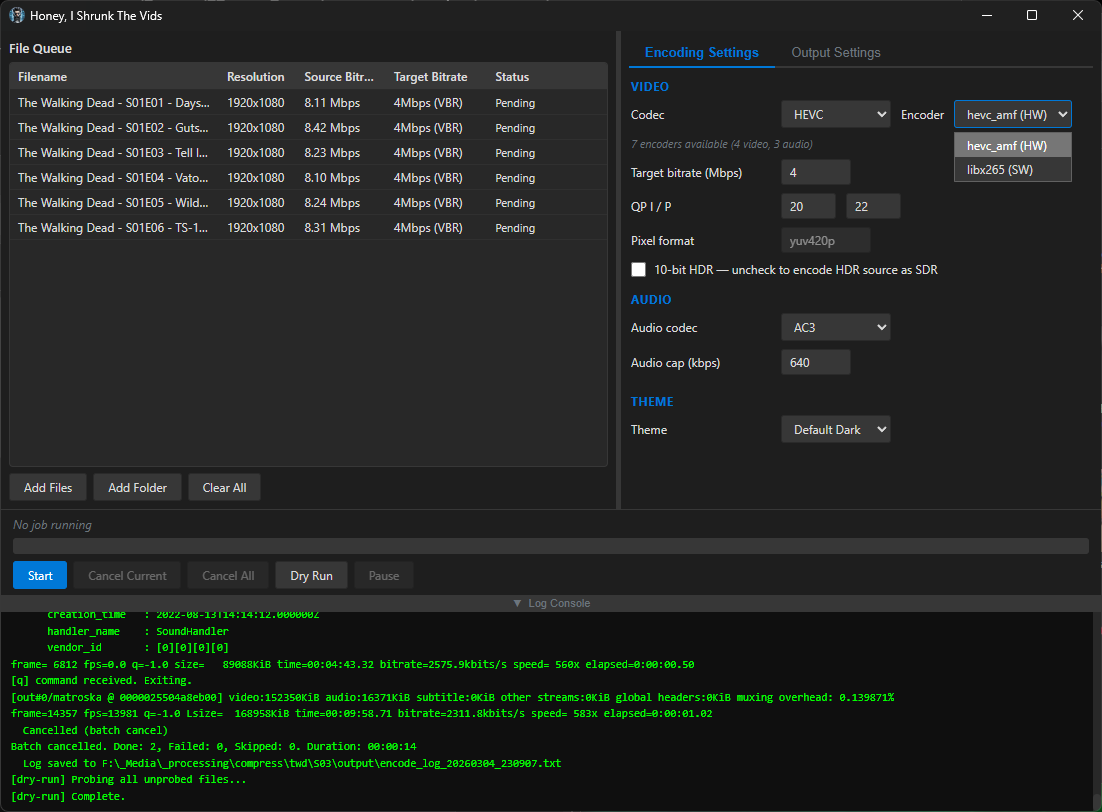
screenshots
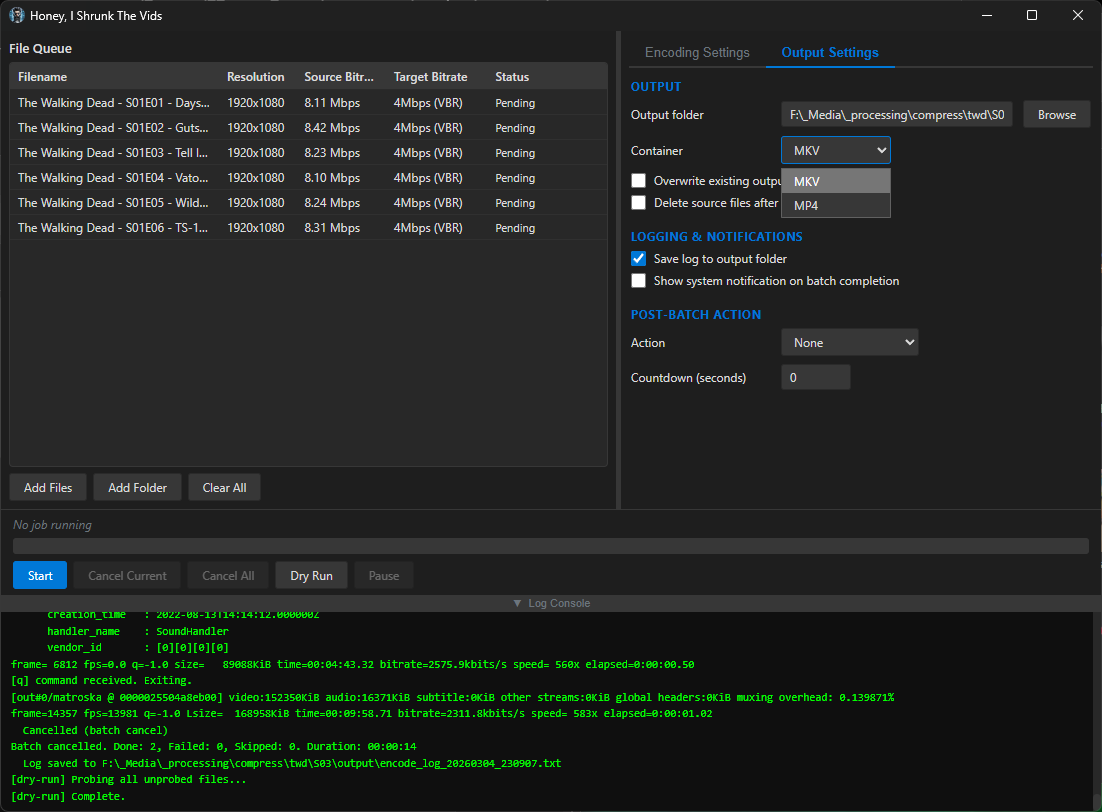
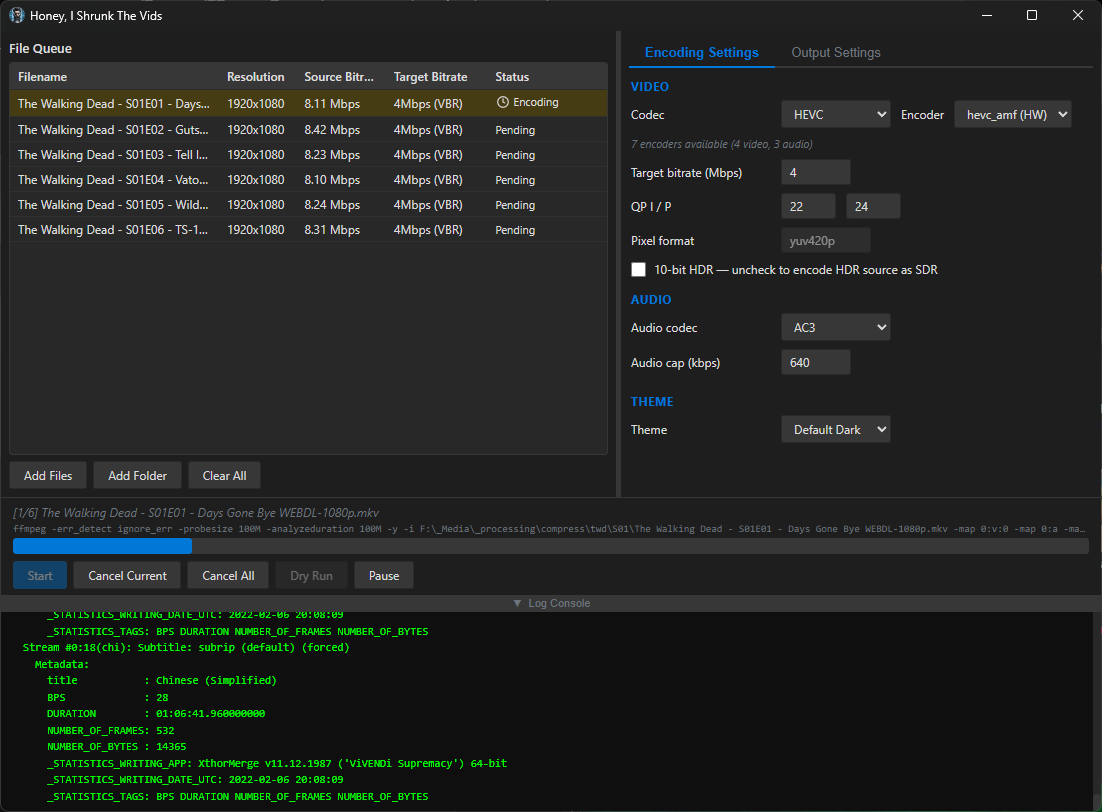
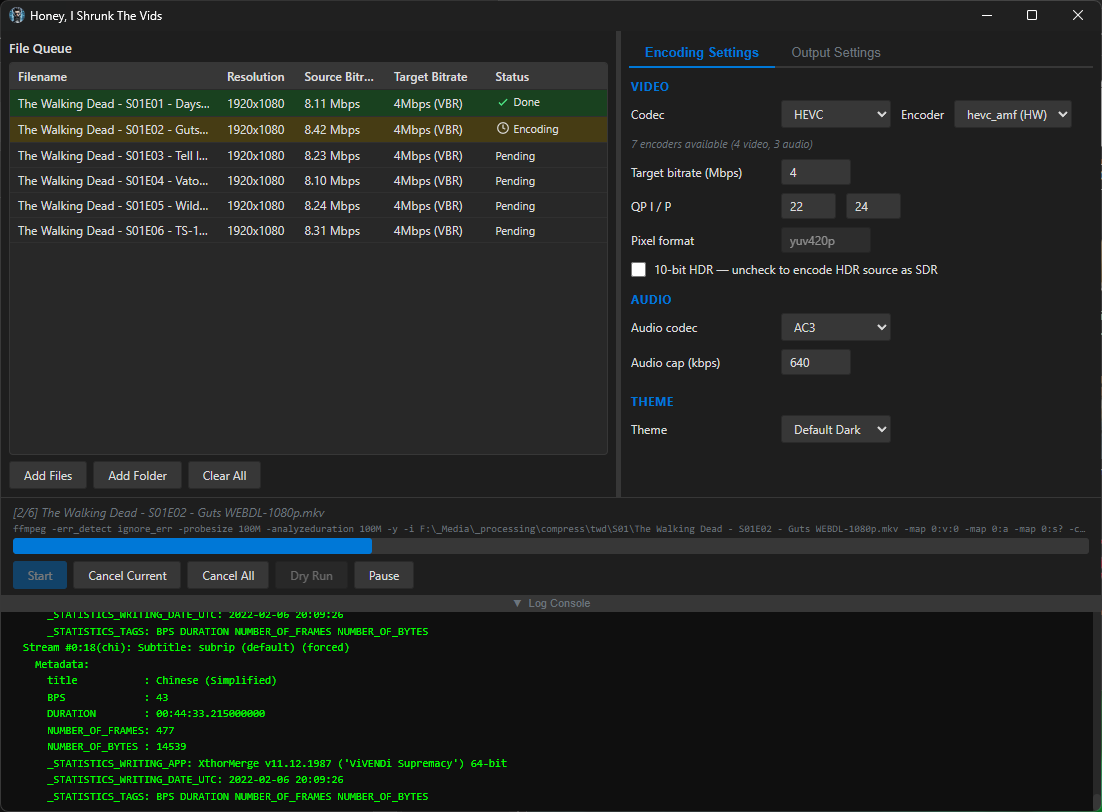
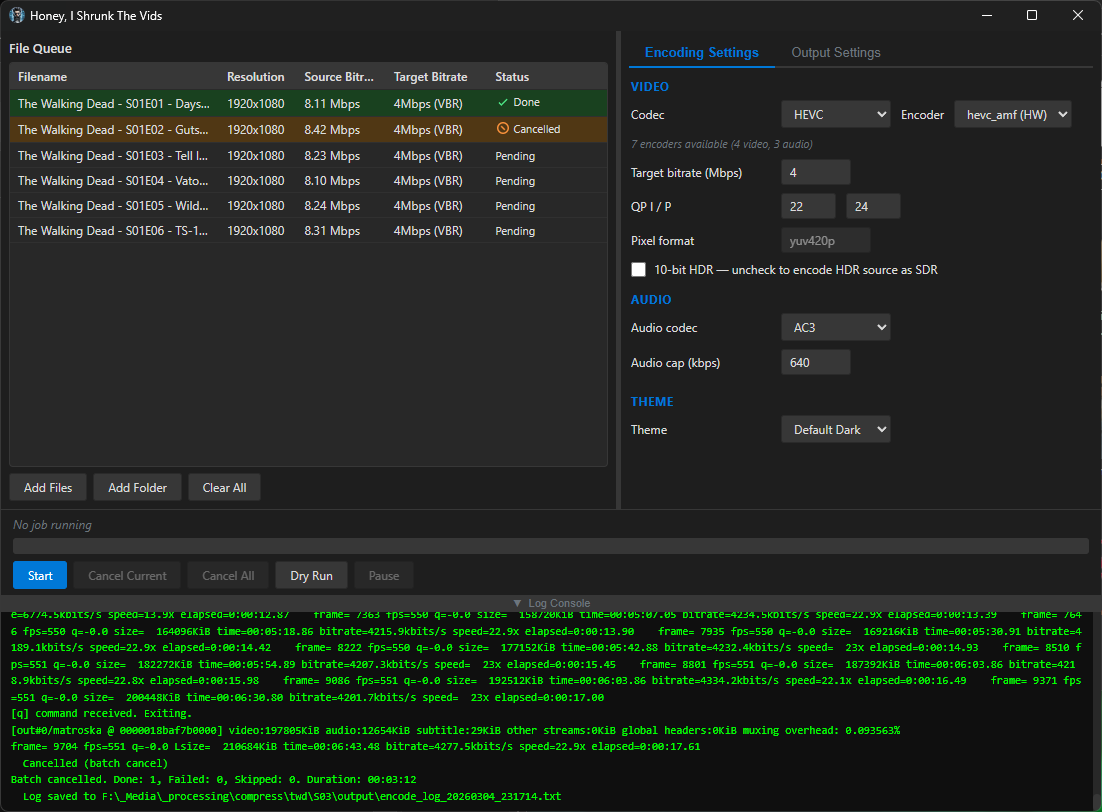
Compiled binaries can be downloaded at https://github.com/obelisk-complex/histv-universal/releases
I'm starting to run low on space with my media server, this could be a good way to forestall having to buy hard drives that don't suck!
Transcoding media is great for saving space. My server has but a humble ancient 1TB hard drive (shared with other storage uses). From a DVD (mpeg2), an episode of this one TV show is 1.6-1.8 GB. After transcoding to AV1, it's 200-400 MB, and I can't tell the difference in quality. (consider that's per episode so over an entire series that's many GB of space saving!)
I use Veronica Explains' helpful HandBrake guide, she provides some settings for AV1, which work very well for me (I just saved it as a new preset).
https://vkc.sh/handbrake-2025/
And you can do batches of files by opening a directory and adding all. I haven't tried OP's tool so I don't know how it compares to HandBrake, but that works fine for my use case.
This looks promising! My main use case is Jellyfin through Android TV, and it looks like AV1 has support for that. I currently have about 6 Tb of kids cartoons that are eating up most of my media server, would be great to shrink those slightly.
I think before I try this, I'll want to spring for an offline backup of the library, then begin transcoding... I need one anyway, at least now I'm excited enough to actually do it!
My advice would be to try transcoding one or two media files first, and test the transcode on different devices. HISTV gives a lot fewer options than Handbrake, but the idea is minimal effort, maximal compatibility.
Specifically, AV1 is a newer standard, and not supported on devices older than ~2020 I think. HEVC (aka x265) produces slightly larger files but works on devices back to 2016 or so, and MP4/H.264 gives yet bigger files but compatibility goes back even further.
For video file size the main things you want to set are the target bitrate and, secondarily, the QP numbers: https://www.w3tutorials.net/blog/what-s-the-difference-with-crf-and-qp-in-ffmpeg/#quantization-parameter-qp-definition--how-it-works
For good quality at a reasonable size you can use the default values of 20/22 but to save a little more space you can probably bump these to 24/26. I went with QP instead of CRF because it's better for streaming (while still giving better perceived quality than a constant bit rate).
As I say, Handbrake is great, does all this and more, but that was my problem with it - the controls look like something out of a space shuttle and I just don't need all that most of the time 😅 I'd love to hear how you find using HISTV vs Handbrake, if you give it a go! 🙌
Thanks, I'll remind myself to report back when I dive in! Ordered the backup drive today, so it's already in motion. Like you I'm pretty laid back about my video editing work. Simple is good. I do edit a clip show for my kid every week these last two years so I'm at least slightly aware of these ideas, if only as a dilettante.